

This add-on contains custom high-resolution tiles for the default Cape Canaveral spaceport.
There are two independent maps to choose from: Map 1 and Map 2. Links for two archives (for Map 1 and Map 2) are provided on my Google Drive.
Map 1 (7.4 GB archived, 17.1 GB unpacked) contains surface and mask tiles of levels 7-21. Levels 7-19 can be used with Orbiter 2016:
 drive.google.com
Map 2 (5.7 GB archived, 12.9 GB unpacked) contains surface and mask tiles of levels 7-21. Levels 7-19 can be used with Orbiter 2016:
drive.google.com
Map 2 (5.7 GB archived, 12.9 GB unpacked) contains surface and mask tiles of levels 7-21. Levels 7-19 can be used with Orbiter 2016:
drive.google.com
IMPORTANT: Please, read all NOTES before installation and see screenshots for both maps below.
INSTALLATION: Unpack the selected archive into /Textures/Earth.
NOTES:
Thanks everyone for your help!
Screenshots (Map 1 left, Map 2 right):
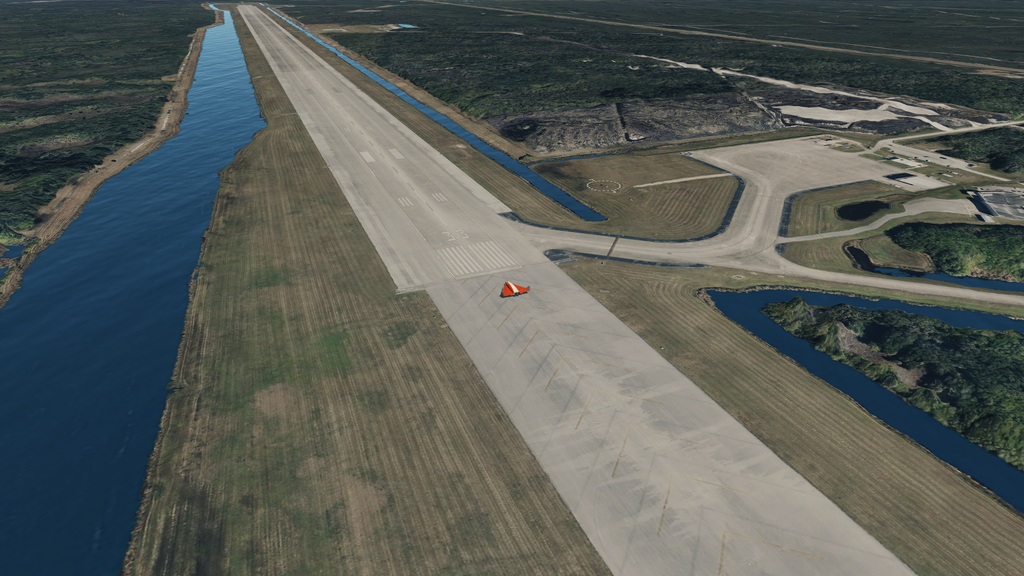
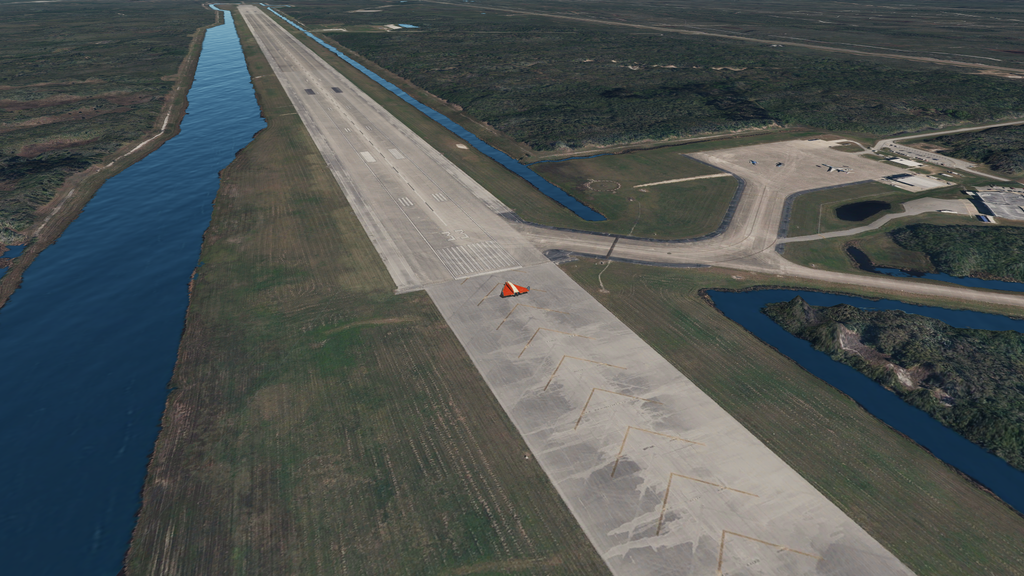
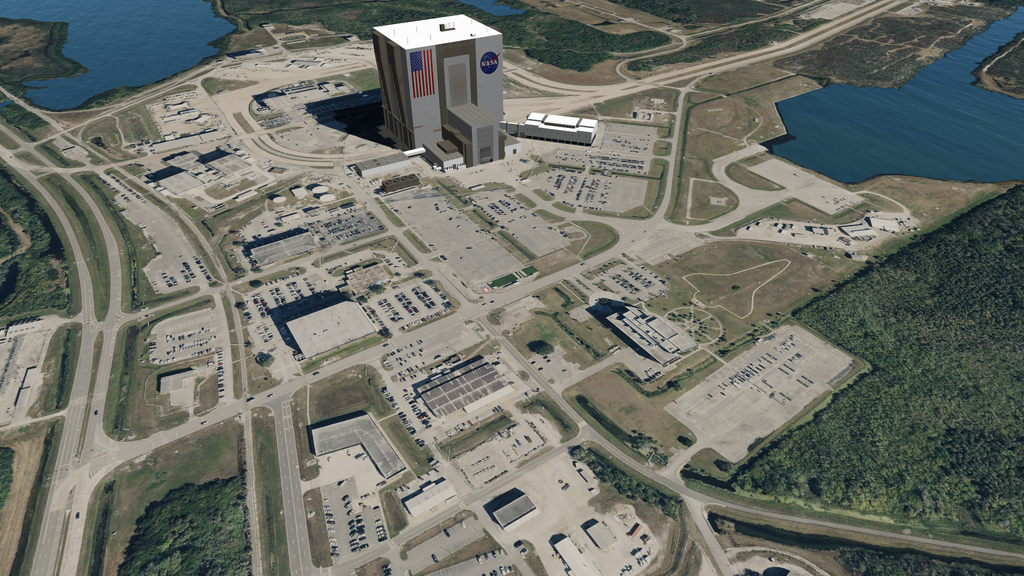
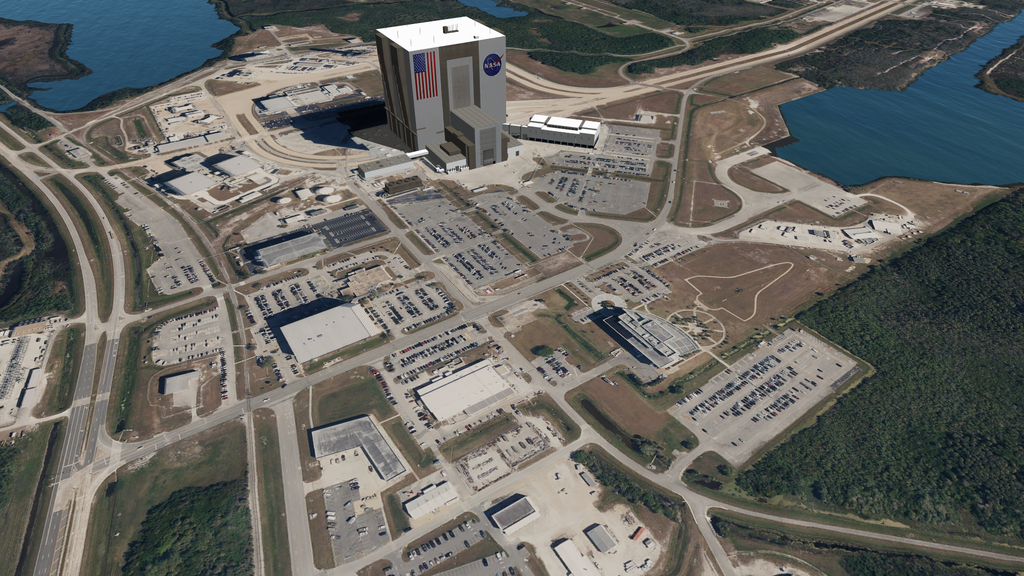
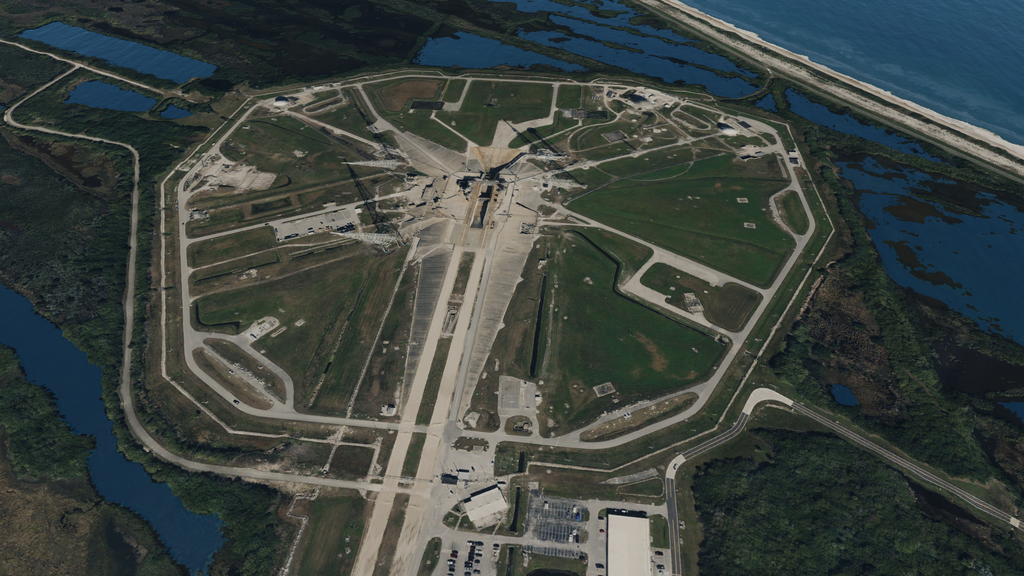
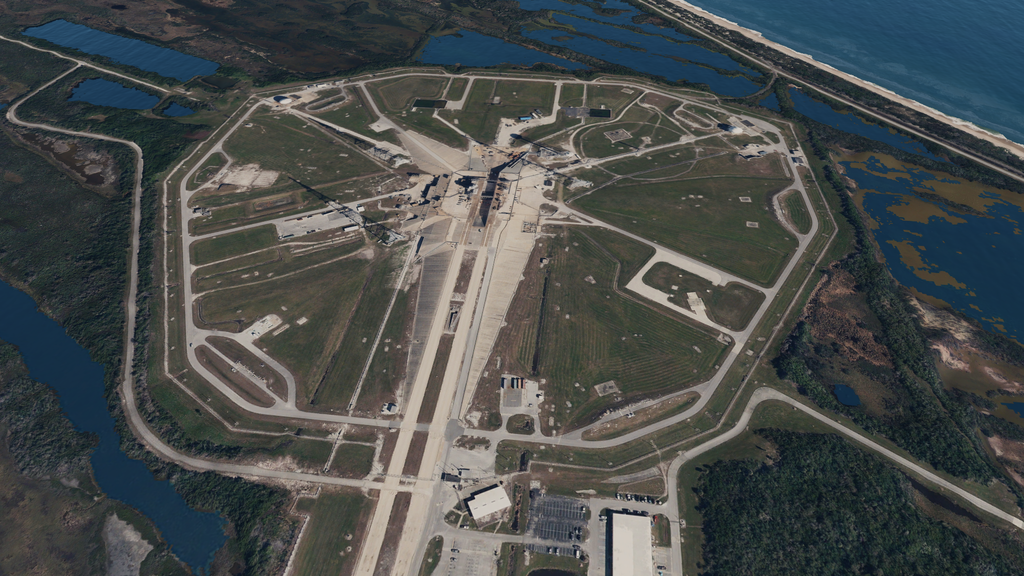
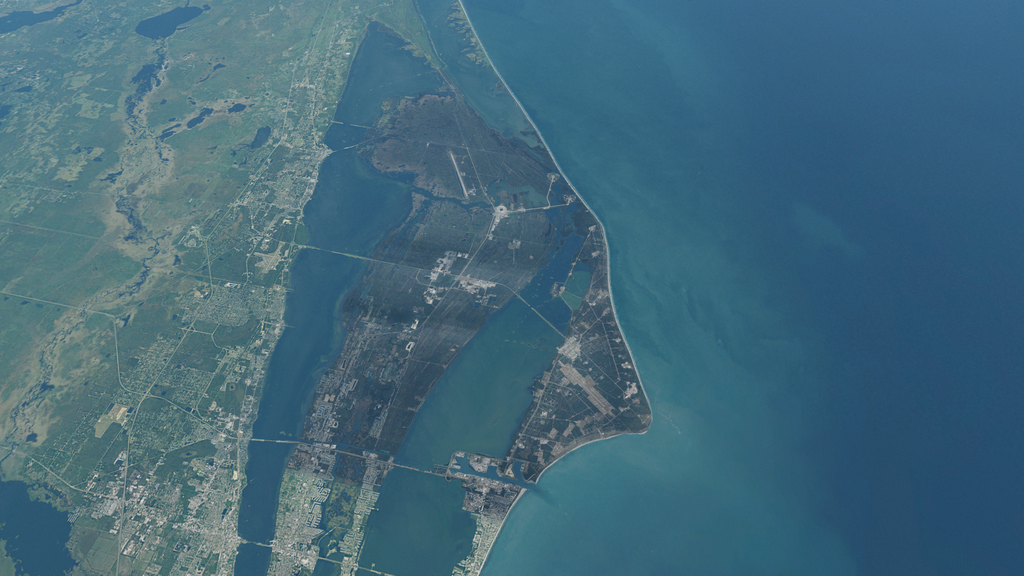
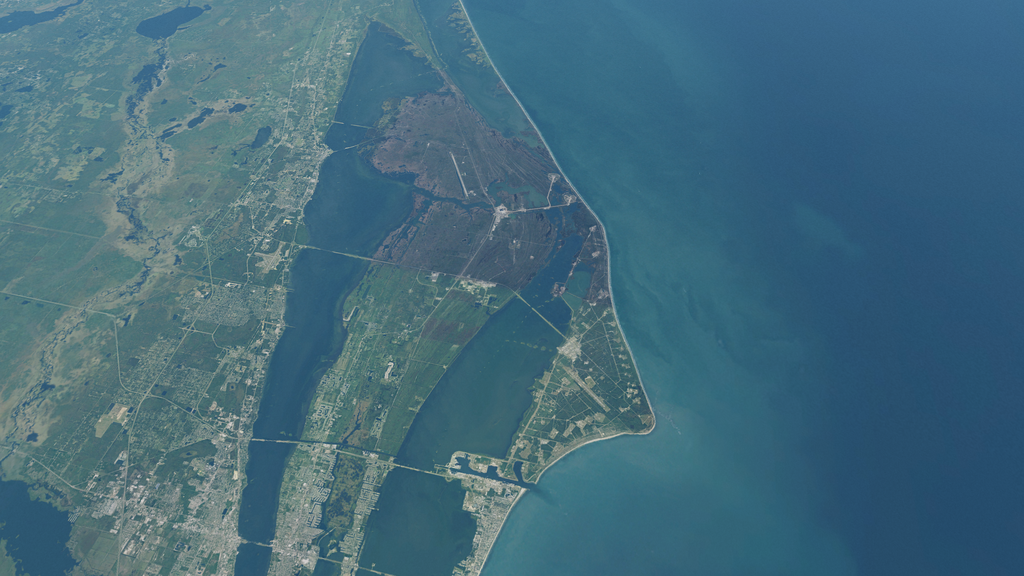
There are two independent maps to choose from: Map 1 and Map 2. Links for two archives (for Map 1 and Map 2) are provided on my Google Drive.
Map 1 (7.4 GB archived, 17.1 GB unpacked) contains surface and mask tiles of levels 7-21. Levels 7-19 can be used with Orbiter 2016:
Map-1.zip
drive.google.com
Map-2.zip
drive.google.com
IMPORTANT: Please, read all NOTES before installation and see screenshots for both maps below.
INSTALLATION: Unpack the selected archive into /Textures/Earth.
NOTES:
- Map 2 contains slightly fewer tiles than Map 1;
- it's recommended to try Map 2 first, since it contains fewer tiles, so you can avoid some problems with overwriting tiles;
- this add-on is compatible with Orbiter 2016 by deleting directories 20 and 21 from the Surf and Mask directories, although I made this add-on for Orbiter 2024;
- tiles near the longer runway are level 21, while the remaining tiles are level 20;
- all surface tiles have resolution of 1024x1024 for better detail;
- all mask tiles have resolution of 512x512 and are default (extrapolated from the default high textures);
- the tiles are more compatible with high TREE textures of size 32.8 GB located in /Textures/Earth/Archive;
- colour matching isn't perfect, but I blended the custom tiles with the default ones;
- You can delete both runway objects (the tiles provide high-quality runways, but you might have problems with the runway ILS) and all buildings except the VAB, by simply editing /Config/Earth/Base/Canaveral.cfg and pasting only:
Code:
BASE-V2.0
Name = Cape Canaveral
Location = -80.651649 28.584379
Size = 1000
ObjectSize = 100
MAPOBJECTSTOSPHERE = TRUE

BEGIN_NAVBEACON
VOR KSCX -80.5384 28.4335 112.7 500
END_NAVBEACON

BEGIN_OBJECTLIST

MESH
    FILE vab
    POS 0 0 0
    SCALE 1 1 1
    ROT 10
    PRELOAD
    SHADOW
    OWNMATERIAL
END
END_OBJECTLIST
Thanks everyone for your help!
Screenshots (Map 1 left, Map 2 right):
- Software License
- None Selected (All Rights Reserved / Inferred license)
- Supported Orbiter Version
- 2024
- 2016


