

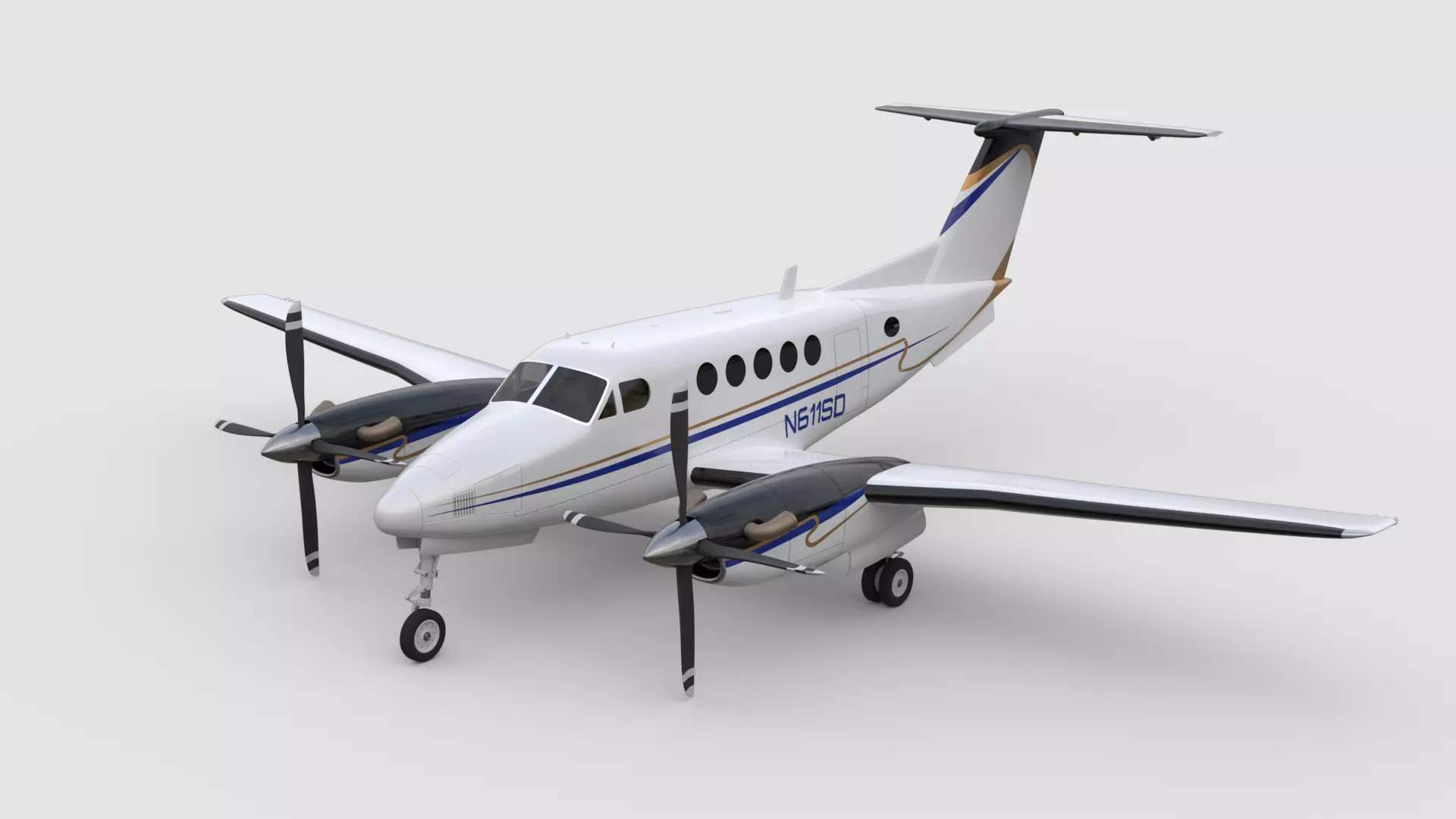
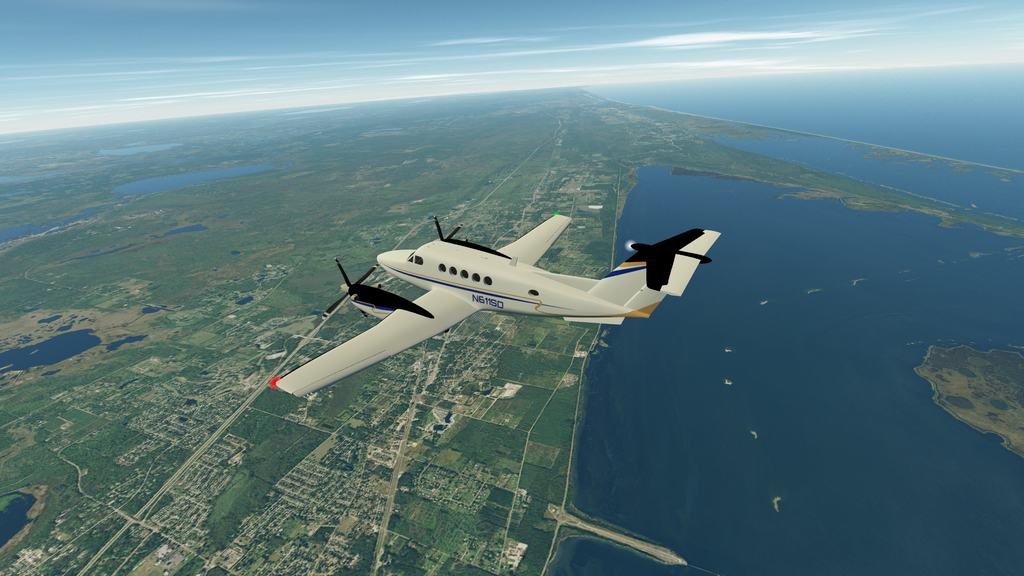
This add-on contains "Beechcraft King Air 200" aircraft based on Lua script.
The mesh (3D model) "Beechcraft King Air 200 3D model" together with textures have been bought by me under "Royalty Free License". The author of the 3D model and textures is "dream-prints".
Thanks to @Blake for the "Blender Orbiter Mesh Tools".
The flight model is based on /Config/Vessels/DeltaGlider/Deltaglider.lua (@martins, @Gondos).
Thanks to @Thunder Chicken for the "Sikorsky R-4 Helicopter" Lua script that I used as an example for gauge animations and other useful Lua implementations.
INSTALLATION: Unpack this add-on into Orbiter main directory.
There is a scenario located in /Scenarios/Beechcraft King Air 200.
Controls:
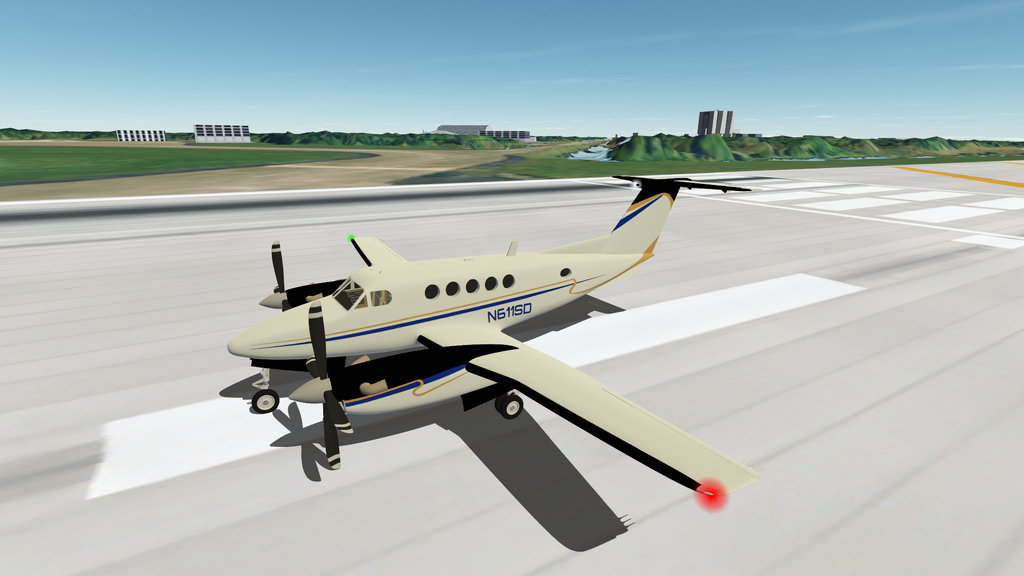
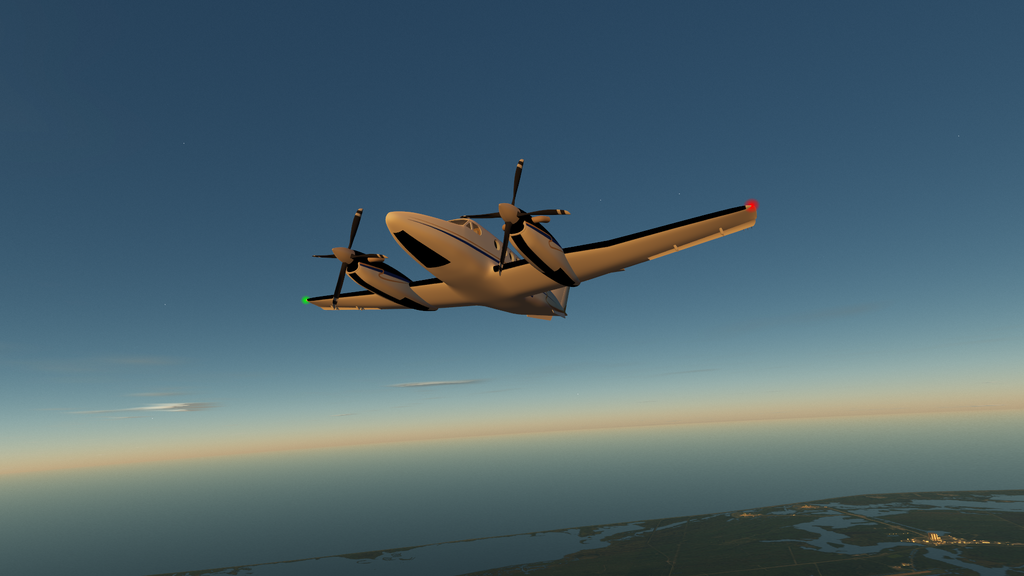
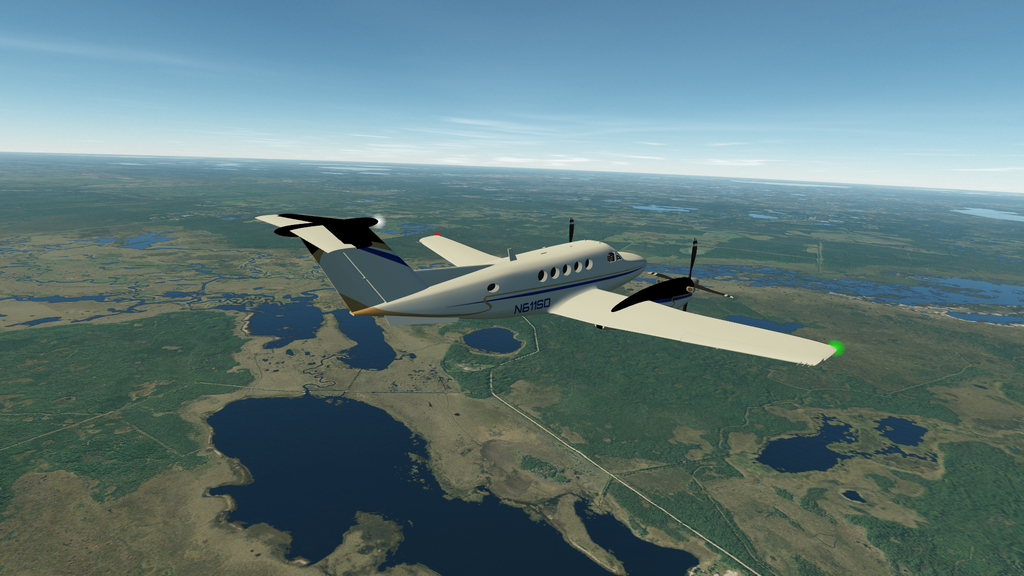
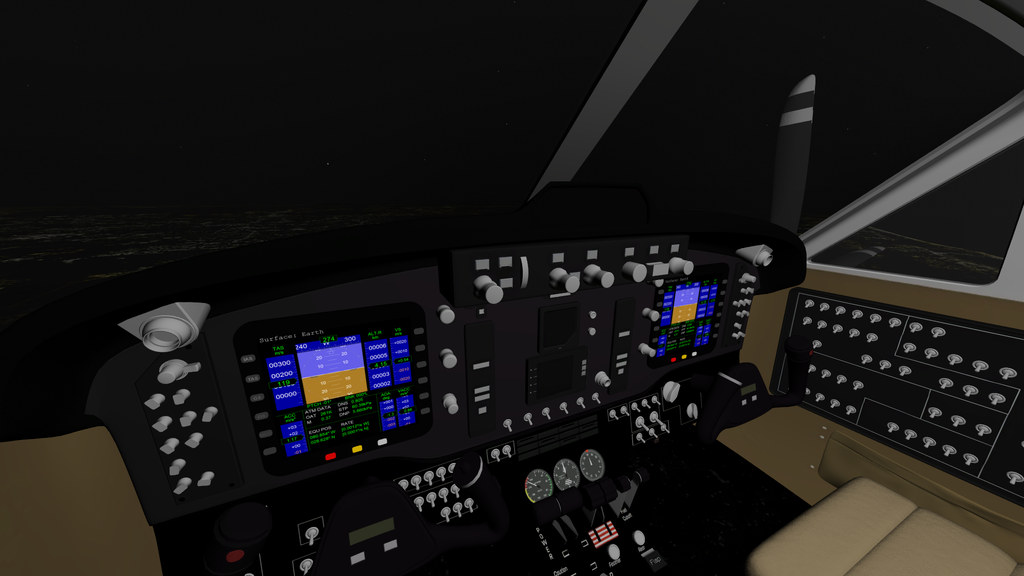
The mesh (3D model) "Beechcraft King Air 200 3D model" together with textures have been bought by me under "Royalty Free License". The author of the 3D model and textures is "dream-prints".
Beechcraft King Air 200 | 3D model
Model available for download in 3D Studio format. Visit CGTrader and browse more than 1 million 3D models, including 3D print and real-time assets
www.cgtrader.com
Thanks to @Blake for the "Blender Orbiter Mesh Tools".
The flight model is based on /Config/Vessels/DeltaGlider/Deltaglider.lua (@martins, @Gondos).
Thanks to @Thunder Chicken for the "Sikorsky R-4 Helicopter" Lua script that I used as an example for gauge animations and other useful Lua implementations.
INSTALLATION: Unpack this add-on into Orbiter main directory.
There is a scenario located in /Scenarios/Beechcraft King Air 200.
Controls:
- Ctrl + Right, Ctrl + Left for switching between left and right VC camera positions;
- E for enabling/disabling propeller animation, sound, engine and throttle control;
- G for gears;
- Delete/Insert for elevator trimmer;
- Ctrl + L for enabling/disabling external lights;
- Ctrl+ J for enabling/disabling cabin light.
- aimated control surfaces, propellers, gears, yokes, throttle;
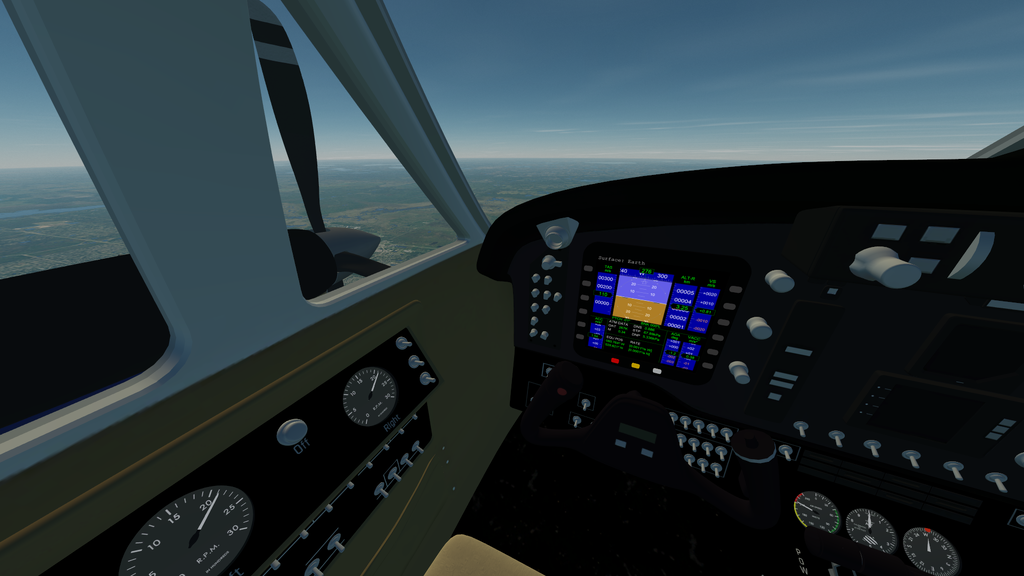
- animated gauges: airspeed, altimeter, heading, fuel;
- two MFDs in VC;
- interactive (mouse clicking) MFD side buttons together with their dynamic labels;
- custom engine sound for XRSound.
- it's recommended to set the "VCNearPlane" parameter to be "0.01" for /D3D9Client.cfg;
- it's recommended to set FoV to be 60 derees for internal (VC) (and also external) view;
- throttle can be changed only if engine is enabled.
- Software License
- None Selected (All Rights Reserved / Inferred license)
- Supported Orbiter Version
- 2024


