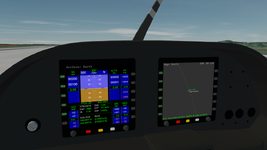
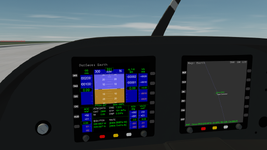
Implementing two default MFDs in VC on Lua

Yes. This is the code I used. It is based on the Atlantis source code. I called everything directly from clbk_VCredrawevent() though I should have made a separate function.

Code:
local left_selection = {
    [AID_MFD1_LBUTTONS] = true,
    [AID_MFD1_RBUTTONS] = true
  }

  if left_selection[id] then
    local bt, side
    local mfd = id - AID_MFD1_LBUTTONS and MFDID.LEFT
    side = (id == AID_MFD1_LBUTTONS and 0 or 1)
    local skp = oapi.get_sketchpad(surf)
    skp:set_font(gfont)
    skp:set_textcolor(_RGB(97,160,80))
    skp:set_textalign(SKP.CENTER, SKP.BASELINE)
    skp:set_backgroundmode(SKP.TRANSPARENT)

  local y = 24

  for bt = 0,5 do
    local label = oapi.mfd_buttonlabel(MFDID.LEFT, bt + side * 6)
    if label then
      skp:text(15, y, label, #label)
    end
    y = y + 36.5
  end
  oapi.release_sketchpad(skp)
  return true
  end
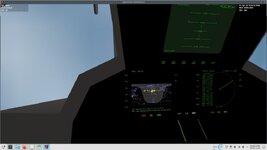
 
Thanks. Could you tell me which add-on you used this in? Is it released? I just wanted to try it out.
 
Thanks! It looks like just what I need. I'll try to understand the code you showed above and let you know if I don't understand something.
 
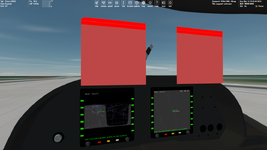
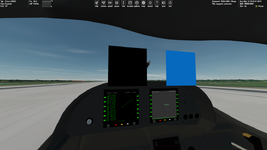
Thanks. I'm experimenting with Sketchpad for the first time. I created test mesh that contains two squares. I'm trying to draw dynamic labels for MFD side buttons. For now I'm noticing an interesting thing I don't understand, namely the upper left corner of the left square is slanted:

Без імені.png

Red rectangles are areas defined here:
Code:
local tex1 = oapi.get_texturehandle(testMESH, 1)
oapi.VC_register_area(AID_CDR1_BUTTONS, _R(0,1,255,14), PANEL_REDRAW.USER, bit.bor(PANEL_MOUSE.LBDOWN, PANEL_MOUSE.LBUP, PANEL_MOUSE.LBPRESSED, PANEL_MOUSE.ONREPLAY), PANEL_MAP.BACKGROUND, tex1)
oapi.VC_register_area(AID_CDR2_BUTTONS, _R(0,15,255,28), PANEL_REDRAW.USER, bit.bor(PANEL_MOUSE.LBDOWN, PANEL_MOUSE.LBUP, PANEL_MOUSE.LBPRESSED, PANEL_MOUSE.ONREPLAY), PANEL_MAP.BACKGROUND, tex1)
 
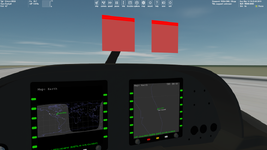
Sorry, it looks it was cut off by the windshield. I reduced the squares and now everything seems to be good:

Без імені.png
 
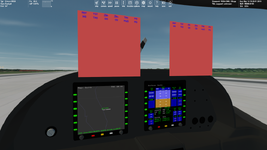
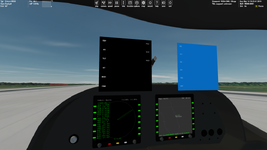
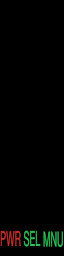
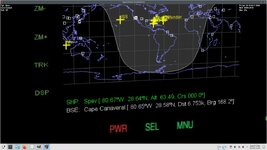
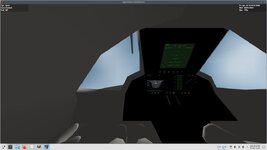
Button labels dissapear when zoom out:

Без імені.pngБез імені2.png

Draw distance depends on the texture that is used for the button labels. For a 256x256 texture the button labels don't disappear, but the labels are quite pixelated. On the screenshots the texture of resolutoin 512x512 is used.

Any suggestion are welcome.
 
Back
Top